Cleaner
Take before and after photos
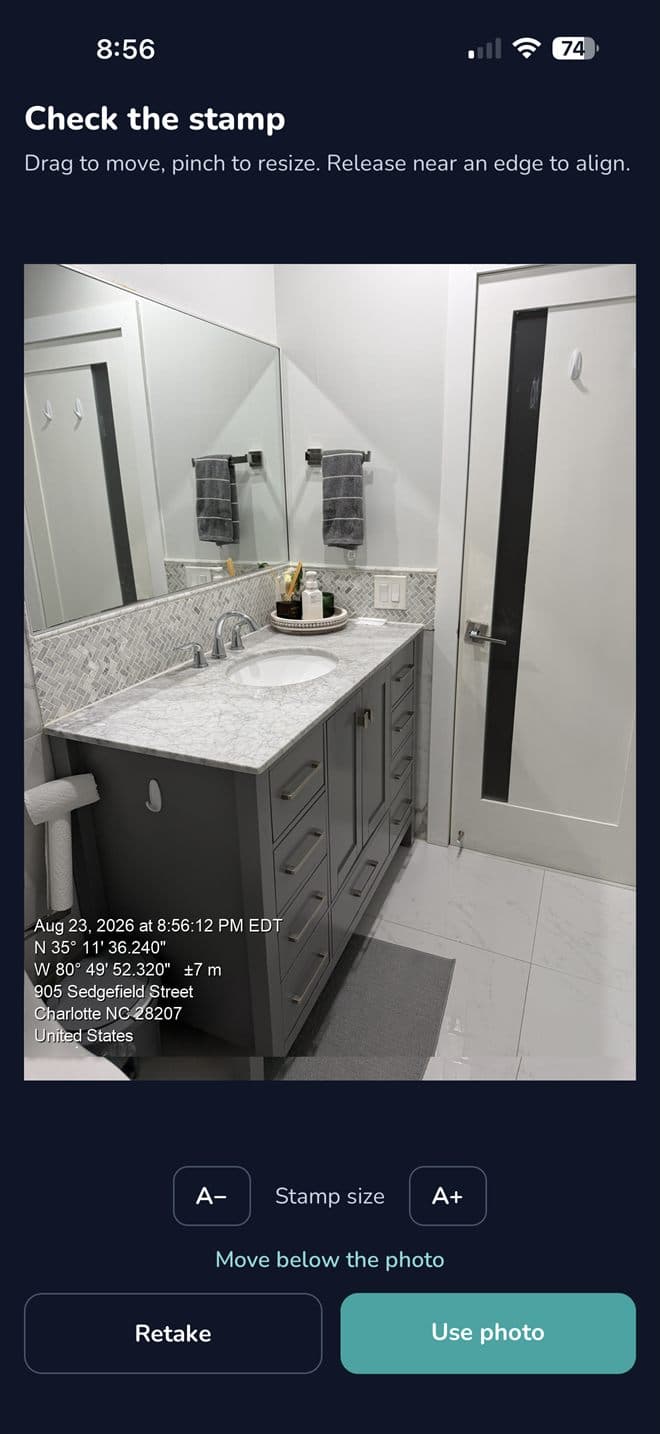
Photos that carry the date, time and address — proof the work happened.
- 1
Open the job and scroll to Before / After photos.
- 2
Tap Add photo under Before, and take the shot in the app.
Use the camera inside the app, not the phone's camera roll. The stamp is written as the photo is taken.
- 3
Allow camera access the first time.
- 4
Do the same under After when you finish.
- 5
Each photo carries the date, time, GPS and the street address, burned into the image.
Next guide
Check your earnings