Business owner
See the money
Revenue, unpaid balances and payroll — and how to export them.
- 1
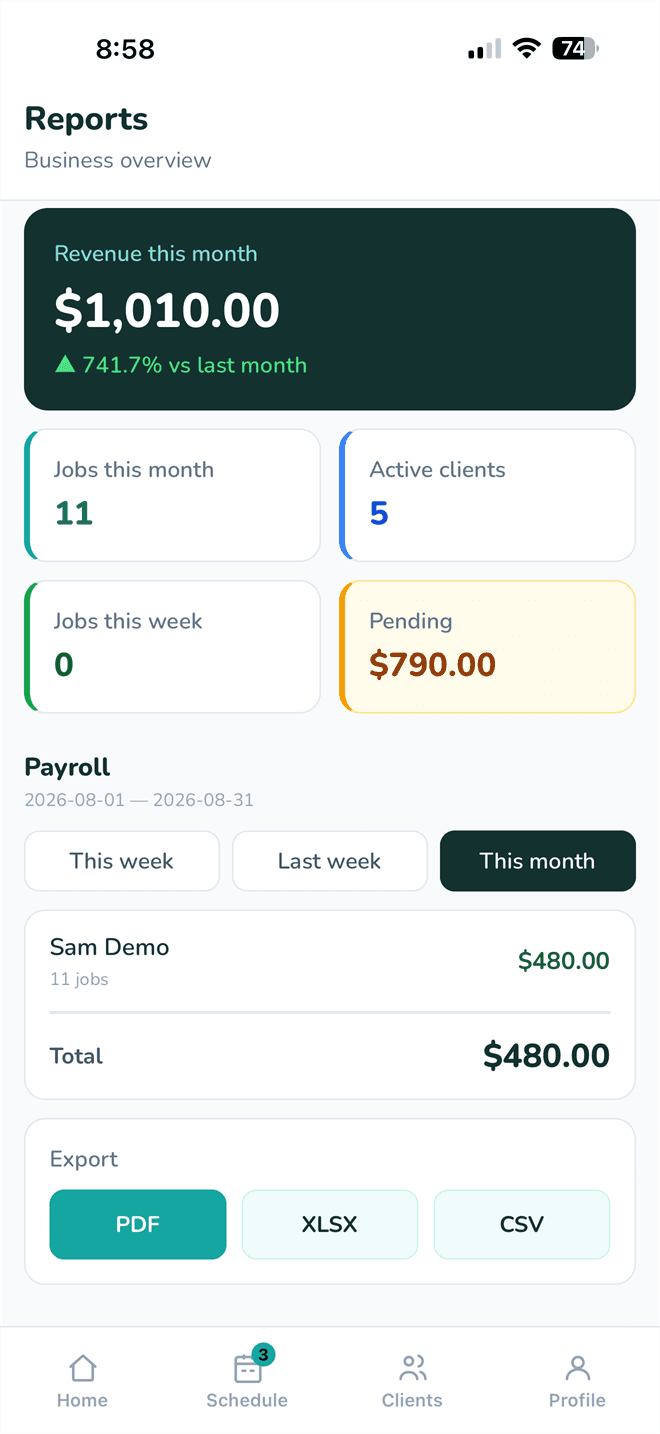
Go to Reports.
- 2
Pick the period at the top — this month, last month, or a range.
- 3
Read the cards: jobs done, revenue, what clients still owe, and pay per cleaner.
- 4
Tap Export for a PDF, XLSX or CSV.
Export only appears once there is something to export — a completed job with a cleaner assigned. On an empty period there is nothing to build a file from.
- 5
For the full breakdown, open the same reports on the web at app.akosneat.com.